TrenchLine:Tower Defense Auto Farm, Place, Upgrade, Repair
How macro-style automation approaches placement, upgrades, and repairs—and when manual play is safer for the lobby.
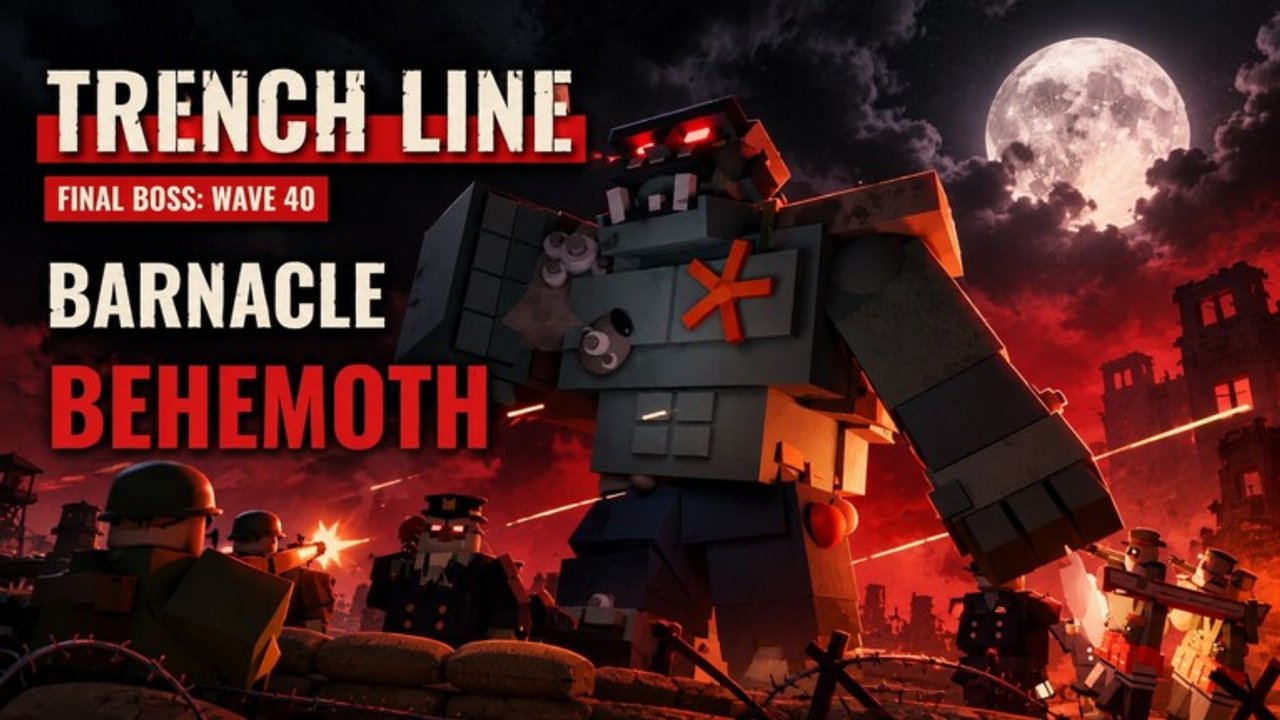
Macro automation in TrenchLine
Players often look for auto farm workflows that auto place, auto upgrade, and auto repair troops during TrenchLine:Tower Defense matches. This page explains what those macros try to do, where they help, where they grief co-op, and how they differ from hub menus like Cookies Hub. Read the Scripts Hub first for general safety.
This wiki does not distribute executors or macro files. Descriptions stay high level on purpose.
Safety and rules
- Automation can violate Roblox Terms of Use and risk account penalties.
- Never share passwords or session cookies with “farm services.”
- Test anything experimental in a private server on Easy.
- Disable macros immediately if they misplace on public Hardcore Tidefall runs.
- Prefer manual fundamentals from How to Play if you are still learning coverage.
If you cannot accept ban risk, skip scripts entirely—the rest of the wiki is built for legitimate play.
What auto place tries to solve
Auto place macros attempt to seat troops on predetermined tiles when rounds start or when currency thresholds hit. In theory this speeds repetitive Easy farms. In practice TrenchLine maps differ:
- Farmland Lake road grids are not Breakwater Port harbors.
- Battle Tank multi-tile footprints punish naive stamp placement.
- Flood maps need boats and AA tiles macros may never consider.
A place macro trained on one layout can brick another. Always bind macros to map-specific profiles if you use them at all, and keep a manual override hotkey.
What auto upgrade tries to solve
Auto upgrade spends coins into a priority list: economy first, then DPS, then specialty. Good priority lists resemble human advice from Best Loadouts:
- Secure early clear.
- Upgrade Farms/FOB/Signaler.
- Push PKM/SPG-9 or tanks before armor spikes.
- Upgrade Shilka/MANPADS before flyer overlaps.
- Feed naval tiles on Flood maps.
Bad priority lists dump everything into Marksman (nerfed) or Spec Ops cosmetics and then cry when Brutes arrive. Encode roles, not vibes.
Watch v0.23.0 notes: Troop Spawner rework and Infinite 1.5x coins kept on leave change how greedy sell/upgrade loops behave. Outdated macros that assume old spawner logic will mis-spend—confirm against Patch Notes.
What auto repair tries to solve
Auto repair watches damaged pads and spends to restore them. Useful during long Endless or Hardcore attrition. Risks:
- Repairing low-value tiles while the harbor dies.
- Draining coins needed for a timed SPG-9 upgrade before Brutes.
- Fighting the player who intentionally sells a misplaced tower.
Set repair thresholds conservatively. Critical AA and economy should outrank decorative infantry on a dead-end tile.
Autofarm loops versus live co-op
There is a difference between:
- Private Easy autofarm for research grinding after you already know the game.
- Public Hardcore macros that wave-skip, misplace barges, and wipe 24 other players’ Behemoth attempt.
Use the first carefully if you accept risk. Avoid the second. Tidefall Hardcore needs human calls for landing craft, tokens, and Barnacle Behemoth prep—see Hardcore Tidefall.
Cookies Hub versus macros
| Style | Typical focus | Notes |
|---|---|---|
| Cookies Hub | Menu hub: autofarm, ESP, claims | See Cookies Hub |
| Macros | Place / upgrade / repair sequences | Map-sensitive; easy to mis-tile |
| Manual play | Full control | Best for learning and Hardcore |
Some players combine hub toggles with macros. Complexity raises failure points. After Flood Stage 2 (v0.25.0) token rules, anything that assumes Easy token income is simply wrong.
Recommended manual skills macros cannot replace
- Reading flyer paths and seating Shilka correctly
- Aiming SPG-9 cones
- Timing Naval Token spends into Fleet Command on Hardcore
- Negotiating roles in a 25-player lobby
- Adapting when a patch nerfs Marksman or buffs Assault Squad
Study Troops, Enemies, and Flood Event so you can take over when automation fails mid-wave.
Setup hygiene (high level)
- Decide the mode you will farm (Easy private recommended).
- Equip a real loadout: economy + DPS + answers for that mode.
- Configure place priorities per map type (road vs harbor).
- Configure upgrade order: eco → armor/AA/naval as required.
- Cap repair so it cannot starve critical upgrades.
- Disable auto wave-skip in public co-op.
- Re-validate after every game update.
- Stop immediately on unexpected sells or tile spam.
When to turn macros off
- Learning a new flooded layout
- First Hardcore Tidefall attempts with friends
- After any patch touching spawner, coins, or naval tokens
- When teammates ask you to play intentional roles
- When placement starts overlapping tanks into illegal footprints
Progress without automation
You can clear the game’s learning curve with:
Macros optimize repetition; they do not teach judgment. Judgment clears Barnacle Behemoth.
Bottom line
Auto place, upgrade, and repair macros exist in the TrenchLine scripting conversation as grind accelerators. Treat them as optional, risky, map-sensitive tools. Keep Cookies Hub notes nearby for hub-style autofarm/ESP/claims, keep patch notes open, and default to manual play whenever co-op stakes are high.
Frequently Asked Questions
Quick answers to the most common TrenchLine questions.
What does an auto farm macro usually control?
Commonly auto place on tiles, auto upgrade along a priority list, and auto repair damaged pads. Exact menus vary by tool and break after patches.
Is autofarm safe for my account?
No automation is guaranteed safe. Scripts can violate Roblox rules and risk penalties. Proceed only if you accept that risk.
Why do place macros fail on Flood maps?
Profiles built for dry roads often ignore boat and AA tiles. Flooded Ruins, Breakwater Port, and Tidefall need harbor-aware placement.
Should I auto wave-skip in public servers?
No. Skipping while teammates still place or upgrade causes leaks and ruins coordinated Hardcore attempts.
Where can I read about Cookies Hub?
Open the Cookies Hub guide for keyless hub features such as autofarm, ESP, and claims, plus the shared safety disclaimer.